StreamElements Giveaway vs a Twitch Chat Picker: Which Wins?
If you already run StreamElements on your stream, its giveaway tool is right there in your dashboard, and it is tempting to use it for everything. If you want every viewer to have exactly the same chance, a Twitch chat picker does that better. The two tools are not rivals doing the same job. One rewards loyalty. The other runs a fair open draw. This guide compares them honestly, so you can pick the right one for the giveaway you are about to run.
The short answer: use a StreamElements giveaway when you want to reward regulars who have earned loyalty points, and use a Twitch chat picker when you want a fast, fair, open draw where a first-time viewer has the same chance as your most loyal regular. Use the wrong one, and the giveaway will feel unfair even if the draw itself was random.
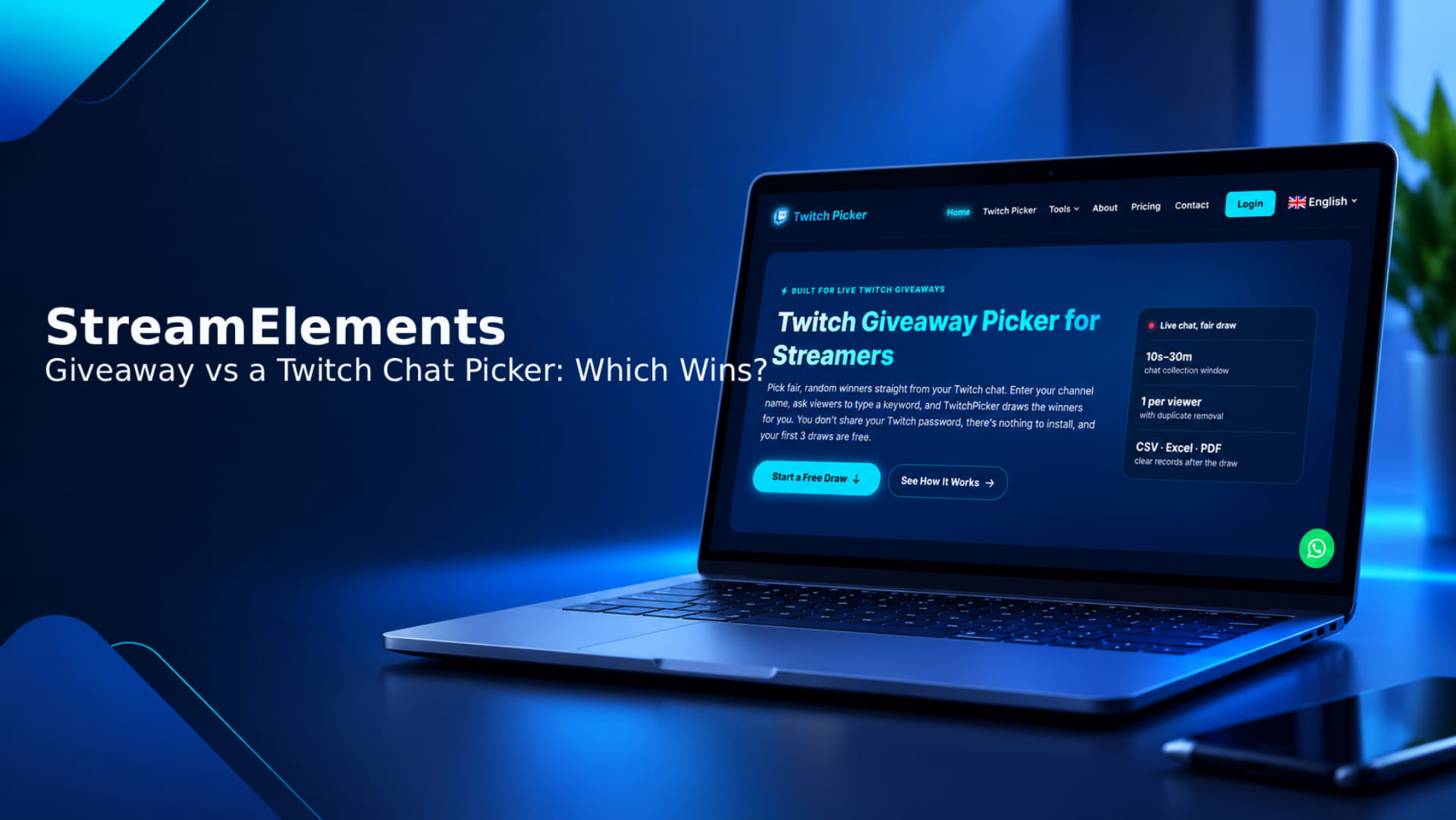
TwitchPicker is the Twitch Giveaway Picker for Streamers. Pick fair, random winners straight from your Twitch chat. Enter your channel name, ask viewers to type a keyword, and TwitchPicker draws the winners for you. You don't share your Twitch password, there's nothing to install, and your first 3 draws are free.
How a StreamElements Giveaway Works
A StreamElements giveaway is part of its loyalty system. Viewers earn loyalty points by watching your stream, subscribing, and tipping, and then spend those points on tickets for a chance to win a prize you define. The giveaway is created and drawn from the StreamElements dashboard, under Loyalty, then Giveaways, where you set the title, description, preview image, ticket cost, and limits, and then start it.
Once it starts, the bot announces it in chat. Viewers buy tickets with !ticket or !enter, optionally followed by a number — !ticket 5 buys five tickets, and !ticket max buys as many as the viewer's points allow, up to the per-user maximum you set. Viewers can also buy tickets on your public giveaway page. Every ticket has an equal chance of winning, so a viewer with ten tickets has ten times the chance of a viewer with one.
When you are ready, you close the giveaway to stop ticket sales and draw a winner from the dashboard. You can draw as many winners as you like, one at a time, and the bot announces each winner in chat, along with the chance they had of winning. If something goes wrong, you can refund the giveaway, and every entrant gets their points back. Individual entries can be refunded too.
Two settings change the fairness of the whole thing. The first is the ticket cost: a cost of 0 makes entry free, so anyone can enter without points. The second is subscriber luck, which improves your subscribers' odds of winning by up to 10 times. Both are set by the streamer, and both should be stated in your rules before entries open, because a viewer who learns about them after the draw will feel cheated.
Do not confuse the Giveaways module with the Raffle module. In a raffle, entry is free via !join, and the prize is the loyalty points themselves — the pot is split between the winners, or goes in full to a single winner. A giveaway is for a prize you define, entered by buying tickets. The commands, and what you can win, are different, and the full command-by-command difference is explained in the guide to Twitch giveaway commands.
How a Twitch Chat Picker Draw Works
A Twitch chat picker works the other way round. There are no points, no tickets, and no loyalty balance to check. You enter your channel name, set a keyword, and open entries for a window you choose, from 10 seconds to 30 minutes. Viewers type the keyword in chat, and each viewer gets one entry — one entry per viewer, no matter how long they have watched or how many points they have.
When the window closes, the picker draws a random winner with a cryptographically secure random draw, live on stream, and gives you a winner certificate and an entry export as a CSV, Excel, or PDF file, along with engagement stats from the draw. You can filter entries first: exclude words, require a minimum message length, ask viewers to tag a friend, or use an unusual keyword that bots cannot guess. The full mechanics — why picking by hand is unfair, how duplicates are removed, and how the draw works — are explained in the guide on how to pick a random winner from Twitch chat.
The important difference is not the interface. It is the maths. In a chat picker draw, every entrant has exactly the same chance. In a StreamElements giveaway, a viewer with more points can buy more tickets, and a subscriber with luck turned on can have up to 10 times the odds of a non-subscriber. Both are random draws. Only one is an equal draw.
StreamElements vs a Twitch Chat Picker: The Comparison
Here is the whole comparison in one place. Read the row that matters most to your giveaway, and the choice usually makes itself.
| StreamElements giveaway | Twitch chat picker | |
|---|---|---|
| Entry | Buy tickets with loyalty points (!ticket / !enter), or on the public giveaway page | Type a keyword in chat |
| Cost to enter | Points, unless ticket cost is 0 | Nothing |
| Chance of winning | Per ticket; more tickets means more chances, and subscriber luck can raise odds up to 10x | Equal for every entrant, one entry per viewer |
| Who can enter | Viewers with points, unless entry is free; new viewers may have none | Anyone in chat, including first-time viewers |
| Draw | From the dashboard, one winner at a time, announced in chat with their chance of winning | Live from chat, drawn at random, with a winner certificate |
| Record of the draw | Winner announced in chat; no winner certificate or entry export in the documented flow | Winner certificate and entry export as CSV, Excel, or PDF |
| Best for | Rewarding regulars and subscribers | A fast, fair, open draw |
| Setup | Needs the StreamElements bot and loyalty system running | Nothing to install, no Twitch password, first 3 draws free |
Neither tool is better in general. A StreamElements giveaway is better at rewarding the people who watch you every day. A chat picker is better at running a giveaway that anyone can win. The mistake is using one when you meant the other.
Fairness: Tickets Reward Loyalty, Keywords Reward Showing Up
Fairness is where the two tools differ most, and it is the reason this comparison matters. A ticket system is fair in one sense: everyone plays by the same rules, and the rules are public. A viewer who watches more earns more points and can buy more tickets. That is a reward for loyalty, and most regulars understand it.
It is unfair in another sense: a new viewer who joined five minutes ago cannot compete with a regular who has months of points saved up, and a subscriber with luck turned on can have up to 10 times the odds of a non-subscriber. If your giveaway is meant to welcome new viewers, a ticket system works against you. If it is meant to thank regulars, it works for you.
A keyword draw is fair in the opposite way. Every entrant has the same chance, whether they have watched you for a year or for five minutes. That is the right fairness for a big prize, a milestone giveaway, or any draw where you want the result to be beyond argument. It is the wrong fairness if your goal is to reward the people who keep your stream alive — because in a keyword draw, a regular gets nothing for their loyalty.
Say which kind of fairness you are using, in the rules, before entries open. A viewer who knows the rules and enters anyway has accepted them. A viewer who learns the rules after losing has a reason to complain, and they will.
Cost and Setup: What Each One Asks of You
A StreamElements giveaway asks for setup before the stream: the bot must be running, the loyalty system must be on, and you must have configured points, ticket costs, and limits in the dashboard. That setup pays off if you run giveaways often, because the system is already there, and the bot announces and draws for you. It is a poor fit for a one-off giveaway on a stream where StreamElements is not already running.
A chat picker asks for almost nothing: enter your channel name, set a keyword, choose a window from 10 seconds to 30 minutes, and draw. There is nothing to install and no Twitch password to share. The cost is per draw after your first 3 free draws: Creator is $5 a month, Growth is $50 a year, with the same features on both. If you run one giveaway a month, that is the whole cost. If you run giveaways every stream, the same price covers all of them.
The cost to your viewers matters too. A ticket giveaway costs viewers their points, and points only come back if you refund the giveaway or a specific entry. A keyword draw costs viewers nothing. If your audience is small and new, asking them to spend points they barely have is a reason not to enter. If your audience is established and sitting on points, spending them is part of the fun.
When to Use StreamElements, and When to Use a Chat Picker
Use a StreamElements giveaway when the prize is a reward for your community: a small prize for regulars, a subscriber thank-you, a giveaway that runs over days while viewers earn points, or a draw where you want the bot to handle announcements and the public giveaway page. It suits streams where the loyalty system is already part of the culture, and where viewers understand what their points are for.
Use a Twitch chat picker when the draw must be equal and provable: a big prize, a milestone or holiday giveaway, a first giveaway on a new channel, a sponsored giveaway where a brand will want to see the entry export and the winner certificate, or any draw where a first-time viewer should have the same chance as a regular. It also suits a fast drop in the middle of a stream: open entries for two minutes, draw live, announce the winner, and move on.
You can use both, for different giveaways. Run ticket giveaways for your regulars during the week, and run a keyword draw for the big monthly prize. What you should not do is run both for the same prize at the same time, because then nobody knows which draw counts, and the fairness of each one is undermined by the other.
The wider comparison, including Streamlabs, Nightbot, and Gleam, is in the guide to the best Twitch giveaway tools. For the full process of running a giveaway, from prize to delivery, read the guide on how to do a giveaway on Twitch.
Mistakes to Avoid With Either Tool
The most common mistake is confusing the commands. !enter and !ticket buy giveaway tickets in StreamElements. !join enters a raffle for points, not a prize. !giveaway checks the status of a running giveaway and gives you the entry link — it does not enter you. Typing any of them in the wrong chat, or when no giveaway is running, does nothing, and viewers who think they entered when they did not will be angry when the winner is drawn.
The second mistake is hiding the odds. If subscriber luck is on, say so. If tickets cost points, say so. If entry is free because the ticket cost is 0, say that too — it is the best news in the whole giveaway, and viewers who do not know it will not enter.
The third mistake is making entry depend on paying. A subscriber-only giveaway, or a draw where only paying viewers can enter, can turn a giveaway into a lottery in many places. Keep a free way in with the same chance, and offer subscriber perks that are not prizes. The rules guide covers this in detail, and it is general information, not legal advice.
Final Word
A StreamElements giveaway and a Twitch chat picker answer different questions. StreamElements asks: who has earned this prize? A chat picker asks: who should win it, fairly, from everyone watching? Answer the first question with tickets, the second with a keyword, and say which one you are running before entries open.
Start from TwitchPicker when the draw needs to be equal and provable. Your first 3 draws are free, and the certificate from the draw is the record that proves it was fair.
Frequently Asked Questions
It depends on the ticket cost the streamer sets in the dashboard. A cost of 0 makes entry free for everyone, but a cost above 0 means viewers must spend loyalty points earned by watching, subscribing, or tipping.
Yes, but only if entry is free or they have enough loyalty points to buy a ticket. A new viewer with no points cannot buy a ticket when the cost is above 0, while a keyword draw gives every entrant the same chance.
StreamElements announces the winner in chat with the chance they had of winning, which viewers can see live. It does not produce a winner certificate or an entry export in the documented flow, while TwitchPicker gives you both as a record.
No, not for the same prize, because then nobody knows which draw counts and the fairness of each one is undermined. Use one tool per giveaway, and use the other tool for a different giveaway where its strengths fit better.
A Twitch chat picker, because every entrant has exactly the same chance and the draw is provable with a certificate and an entry export. A ticket giveaway lets regulars buy more chances, which suits a small reward but not a big prize.