How to Announce a Giveaway Winner on Stream (With Templates)
The winner is drawn. Now what? If you just read a name out loud and move on, half your chat will miss it, the winner may never see it, and anyone who doubts the draw has nothing to check. A good announcement does four things: it tells everyone who won, it shows how the winner was chosen, it tells the winner what to do next, and it leaves a record people can find later.
The order matters more than the wording. Check the winner first, contact them privately, then announce publicly. Announcing first and checking later is how streamers end up congratulating an ineligible entry on stream and then having to take it back. This post follows that order, and every template below is written to match it.
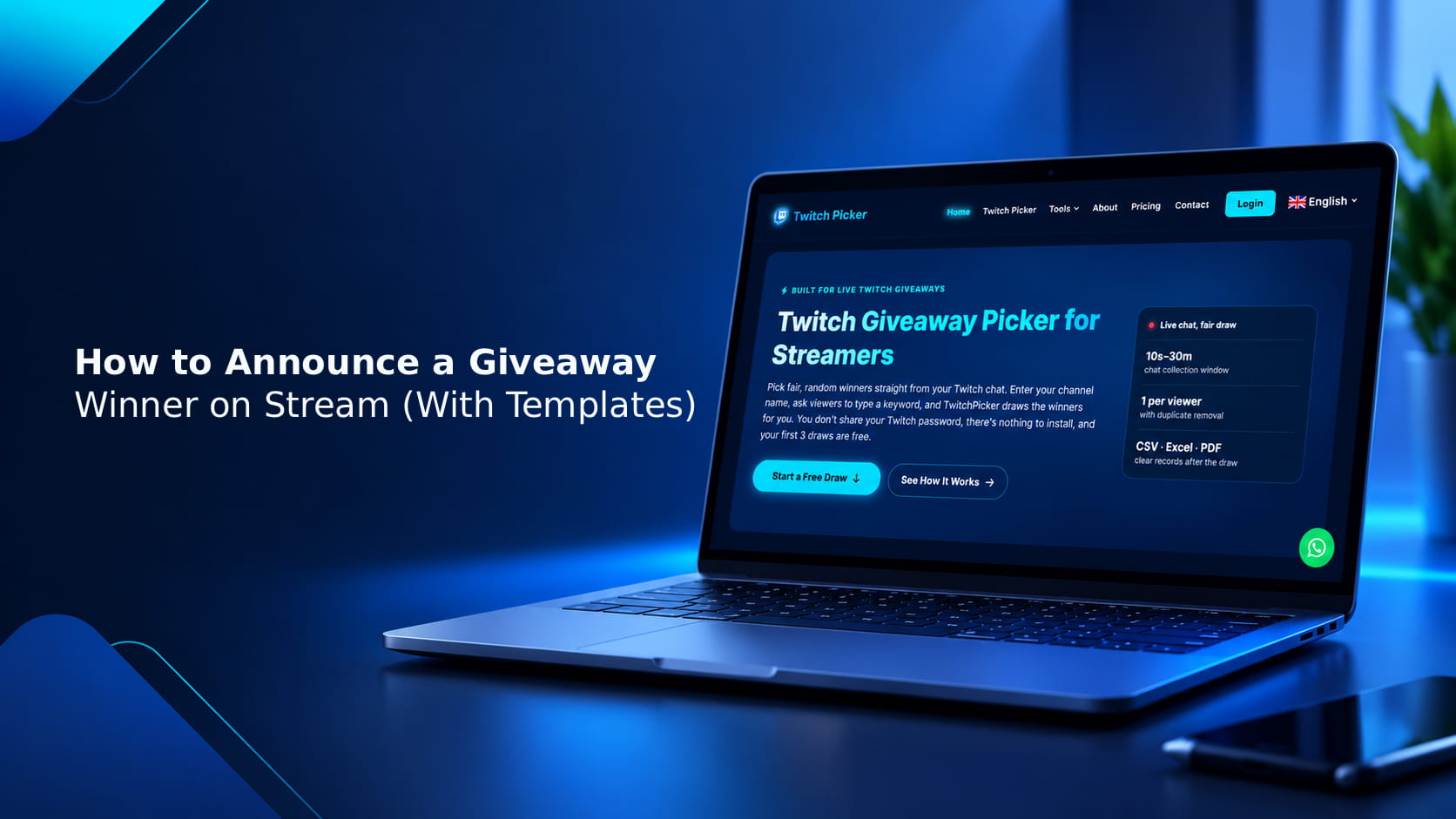
TwitchPicker is the Twitch Giveaway Picker for Streamers. Pick fair, random winners straight from your Twitch chat. Enter your channel name, ask viewers to type a keyword, and TwitchPicker draws the winners for you. You don't share your Twitch password, there's nothing to install, and your first 3 draws are free.
Before You Announce: Check the Winner and Contact Them First
Do the quiet checks before the public announcement. Look at the winning account: does it meet your published rules, is it the account that actually entered, and is there anything in the rules that would disqualify it? If your rules say one entry per viewer, check that the winner did not enter twice under different names. If your rules say the winner must be present in chat, check they were. This is the same check from the bots guide: one odd detail is not proof of anything, but several together are a reason to follow your rules rather than announce first and argue later.
Then contact the winner privately, from your own account, before you say their name on stream. Tell them they won, name the prize exactly as it was listed in the rules, and give them the claim deadline with a date, a time, and a timezone. Ask them how they want to be named publicly — their Twitch username is usually enough — and whether they are happy for you to announce it on stream. Most winners will say yes, and asking costs you nothing. It also protects you: if the winner does not reply, you have not announced a name you may have to retract.
If you cannot reach the winner — they have whispers off, they are not in chat, or they simply do not answer — do not announce them yet. Say on stream that the winner has been drawn and contacted, and that you will announce the name once they reply or once the claim deadline passes. That keeps the result honest without naming someone who may never claim the prize.
What Every Winner Announcement Must Include
A winner announcement that leaves out one of these five things will generate questions in chat for the rest of the stream. Include all five, in every version of the announcement, whether it is spoken live, typed in chat, or posted in Discord.
First, the prize, named the same way as in the rules. Second, the winner, by the Twitch username they agreed to — not their real name, email, or address. Third, how you drew: drawn at random from the entries, live on stream, with the number of entries included. Fourth, what happens next: the claim deadline, and what you will do if the winner does not claim it by then. Fifth, where people can check the result and the rules — a link to the draw record or the rules post.
Leave out anything that helps a stranger find the winner: their address, email, phone number, or a screenshot of your private messages with them. Never post a screenshot that shows a delivery address, a real name the winner did not agree to share, or a code the winner needs to claim the prize. The announcement is for your audience. The delivery details stay private.
What to Say on Stream: A Live Script You Can Read Out
The live announcement is the one people remember, so keep it short and say it slowly enough for chat to follow. Read the winner's name out loud, spell it if it is unusual, and show the result on screen while you say it. Here is a script you can use as it is, filling in the brackets:
"Entries are closed. We had [number] entries, and I drew the winner live just now, at random. The winner is [username] — congratulations! [Username], I have sent you a message with how to claim [prize]. Please reply by [date and time with timezone]. Thank you to everyone who entered. The next giveaway is [day or date]."
Read the short non-sponsorship disclaimer from your rules as well, so viewers hear that Twitch does not sponsor or endorse the giveaway. The full wording belongs in your written rules — the guide to Twitch giveaway rules explains why it matters, and the giveaway rules template has a copy-and-paste version you can read from. Then show the draw result on screen for a few seconds before you move on, so anyone who joined late can see it, and take a screenshot of the result for your records.
If the winner is in chat, ask them to type something in chat so everyone can see it is really them — a simple "that's me" is enough. If they are not in chat, say so plainly: "The winner is not in chat right now, so I have messaged them privately and will announce the claim result once they reply." Do not invent a reaction from a winner who is not there.
Chat Template: Announce the Winner Where Everyone Can See It
Not everyone watches with sound on, and not everyone stays until the end of the stream. Type the result in chat right after you say it, and pin it if your chat tools allow it. Keep it to three lines so it is easy to copy and easy to read on a phone.
Giveaway winner: [username]! Drawn at random from [number] entries for [prize]. [Username], check your messages for how to claim — reply by [date and time with timezone]. Thanks to everyone who entered. Next giveaway: [day].
Post the same message again near the end of the stream, in case people who arrived late missed the first one. If your stream runs long, a second post costs you nothing and saves you answering the same question ten times.
Discord Template: Post the Result Where It Stays
Chat moves fast and disappears. Discord stays, so post the result there after the stream, in your announcements channel, where anyone who missed the draw can find it. Include the same five facts as the live announcement, plus the link to the rules.
Giveaway results for [prize]
>
Congratulations to [username], drawn at random from [number] entries on [date].
>
We have contacted the winner privately. If they do not claim by [date and time with timezone], we will draw again from the original entry list and post the result here.
>
Didn't win? The next giveaway is [day or date]. Rules: [link]
That last line matters. A Discord post that only names the winner tells the losers nothing. A post that also says when the next giveaway is turns a result people skim past into a reason to come back.
Private Message Template: Contact the Winner
The private message is the one message that decides whether the prize gets delivered. Send it from your own account — the same account that ran the giveaway — and keep it short, warm, and exact. Never ask for a password, a payment, or a login on another site. A real winner message asks for one thing only: the detail you need to send the prize.
Hi [username], you won [prize] in my [giveaway name] giveaway — congratulations! To send it to you, can you reply with [the detail you need: a shipping address, an email, or a game username]? I will announce your username on stream unless you would rather stay anonymous — just let me know. Please reply by [date and time with timezone], or I will draw again from the original entry list. I will never ask you to pay anything to claim a prize.
Send that message once, and wait. If the winner replies, confirm the detail, tell them when the prize is on its way, and then announce publicly. If they do not reply by the deadline, send one reminder, wait a short while longer if your rules allow it, and then move on to a new draw. Do not chase a winner for days, and do not announce their name publicly while you are still waiting — the announcement comes after the confirmation, not before it.
Multiple Winners: Announce Them in One Post
If your giveaway has more than one winner, announce them together, in one post, so nobody has to hunt through chat for the second name. List each winner with their prize, in the order they were drawn, and keep the format the same for each one.
3 winners, 1 draw! [Prize 1] goes to @[winner 1]. [Prize 2] goes to @[winner 2]. [Prize 3] goes to @[winner 3]. All drawn at random from [number] entries on [date]. Winners, check your messages — reply by [date and time with timezone] to claim. Thanks to everyone who entered!
Contact each winner privately, one message each, with the same template as above, naming only their prize. Do not send one group message to all three winners: it shares their names with each other before they have agreed to be named, and it makes the claim process harder to track. One winner, one message, one deadline.
If the Winner Does Not Reply: Claim Deadlines and a New Draw
A winner who does not reply is the most common problem after a giveaway, and the answer is already in your rules if you wrote them well. The claim deadline is the line that decides it: 24 hours is common for a live draw, 48 to 72 hours for a bigger prize. State the deadline with a date, a time, and a timezone in the private message and in the public announcement, so there is no argument about when it passed.
When the deadline passes with no reply, draw again from the original entry list — the same list of entries from the original draw, not a new entry window — and announce the new winner the same way: check them, contact them privately, then announce publicly. Say plainly what happened, without naming or blaming the first winner: "The first winner did not claim by the deadline, so we drew again from the original entries. The new winner is [username]."
Save the record of both draws. The winner certificate and the entry export from each draw are the proof that the first draw happened, that the deadline passed, and that the second draw was also random. Share the certificate from the draw that produced the final winner, and keep the first one in your records. The mechanics of the draw itself — how entries are collected, duplicates removed, and the winner chosen — are explained in the guide on how to pick a random winner from Twitch chat.
Share the Proof: The Winner Certificate and the Draw Record
An announcement without proof is just a claim. A certificate, a screenshot, or a recording turns it into something viewers can check. TwitchPicker gives you a winner certificate for each draw, and an entry export as a CSV, Excel, or PDF file. Share the certificate when you post the result in Discord, or show it on screen during the next stream. Keep the export for yourself: it is the list of entries, the draw, and the date, in one file, if anyone asks how the winner was chosen.
Record the draw if you can. A short clip of the draw itself — the entries loading, the winner being drawn, the name appearing — is worth more than any written explanation. Post the clip with the Discord announcement, or play it back at the start of your next stream. Viewers who trust the draw come back for the next giveaway. Viewers who suspect it was fixed do not.
For the full process, from prize to delivery, read the guide on how to do a giveaway on Twitch.
Mistakes That Ruin a Winner Announcement
The most common mistake is announcing before checking. A name read out on stream is hard to take back, and a retraction is worse than a delay. The second is posting personal details: a real name, an email, an address, or a screenshot of a private message. The third is announcing in one place only. If you announce on stream but never post it in chat or Discord, everyone who missed the stream has to ask, and every answer is a chance for a scammer to step in with a fake "you won" message. The fourth is going quiet after the announcement. If the winner does not reply, say so, and say what happens next. Silence is what makes people suspect the draw was never real.
Watch for impersonators after you announce. A scammer who sees a winner's name in chat may message the winner, or message your other viewers, pretending to be you and asking for a fee or a login to claim the prize. Warn chat when you announce: say you will only contact the winner from your own account, and you will never ask for a password or a payment. If a viewer reports a fake message, tell chat, report and block the fake account, and do not share the link yourself.
A Quick Checklist for Announcing Your Next Winner
Run through this list after every draw, and the announcement will take care of itself.
- Check the winner against your published rules before you announce anything.
- Contact the winner privately, from your own account, with the prize, the claim deadline, and the detail you need to send it.
- Ask how they want to be named publicly, and do not share a real name, email, or address.
- Announce live on stream, reading the name out loud and showing the result on screen.
- Type the result in chat, with the prize, the entry count, and the claim deadline, and post it again near the end of the stream.
- Post the result in Discord after the stream, with the rules link and the date of the next giveaway.
- Save the winner certificate and the entry export, and record the draw if you can.
- If the winner does not reply by the deadline, draw again from the original entry list and announce the new winner the same way.
Final Word
Announcing a winner is not the end of a giveaway. It is the part your viewers remember, because it is the part that proves the draw was real. Check first, contact privately, announce publicly, and leave a record. That order takes ten extra minutes, and it is the difference between a giveaway people trust and a giveaway people argue about.
Start from TwitchPicker, enter your channel name, set your keyword, and draw the winner live from chat. Your first 3 draws are free, and the certificate from the draw is the proof you can share when you announce the winner.
Frequently Asked Questions
Announce the winner as soon as you have checked them against your rules and contacted them privately. If you drew live, announce on that same stream; if the winner was not in chat, announce once they reply or once your claim deadline passes.
Name the prize as listed in your rules, the winner by their Twitch username, how many entries there were, and how you drew. Add the claim deadline with a date, time, and timezone, and say what happens if the winner does not claim it.
Yes, always contact the winner privately first, from your own account, before you name them on stream. This avoids announcing someone who is ineligible or never claims the prize, and it lets the winner choose how they are named publicly.
Wait until the claim deadline in your published rules, send one reminder, and then draw again from the original entry list. Announce the new winner the same way, and say the first winner did not claim in time.
Draw live on stream so viewers watch it happen, share the winner certificate, and keep the entry export. Post the result in chat and Discord with the entry count and the rules link, so anyone can check how the winner was chosen.