How to Do a Giveaway With Nightbot (and a Simpler Option)
If Nightbot is already moderating your Twitch chat, its giveaway tool is one click away in the dashboard, and for a quick, spontaneous prize it is genuinely good. If you need a fair open draw with a record you can show anyone, a Twitch chat picker is simpler. The difference is not the price — Nightbot itself is free — it is what happens after the winner is drawn.
The short answer: use Nightbot's keyword giveaway when the prize is small, the draw is live, and everyone watching already knows the bot. Use a chat picker when the prize is big, the draw must be equal and provable, or you want filters and an entry export. This guide covers both, starting with Nightbot, because that is the tool you asked about.
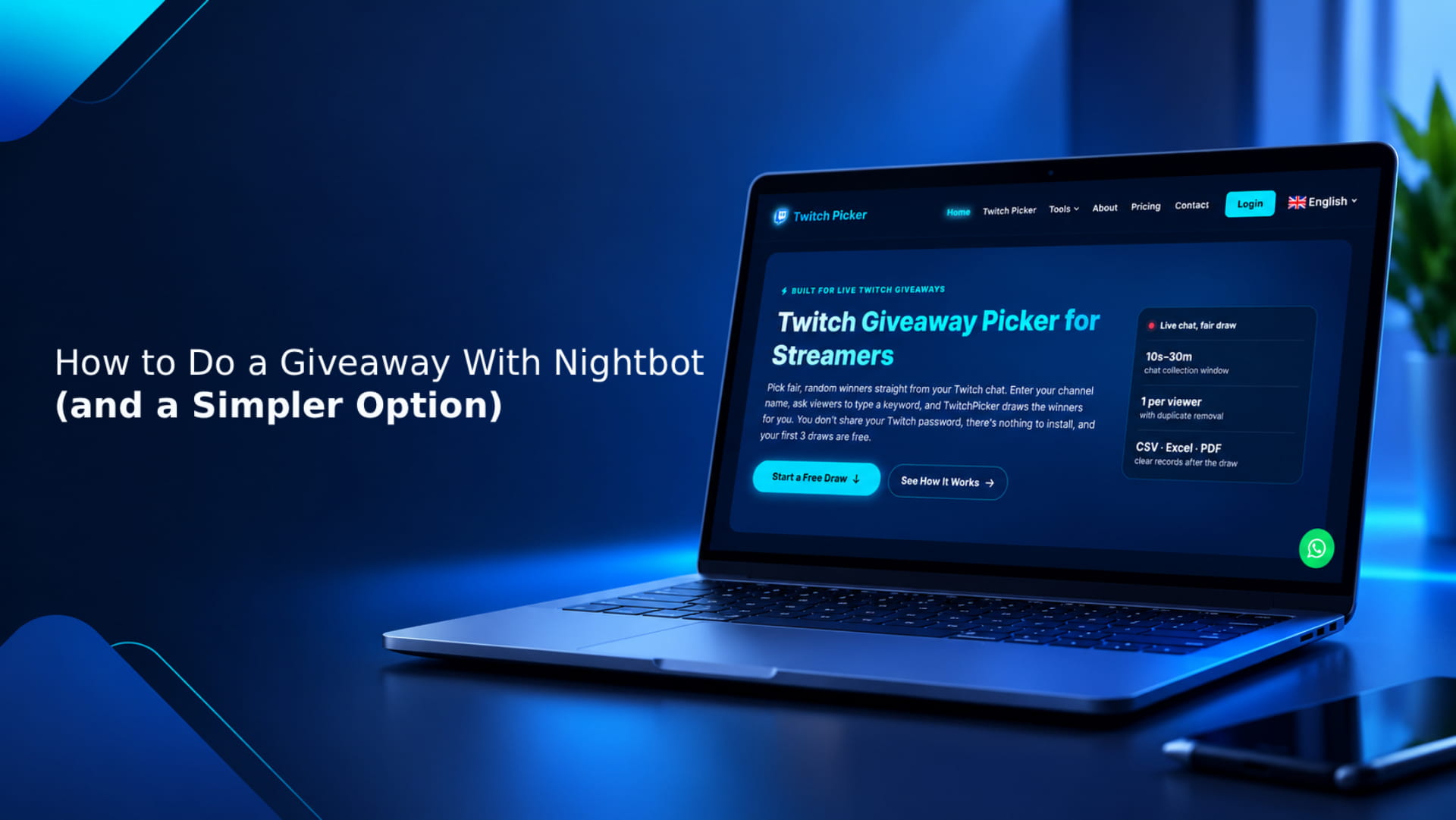
TwitchPicker is the Twitch Giveaway Picker for Streamers. Pick fair, random winners straight from your Twitch chat. Enter your channel name, ask viewers to type a keyword, and TwitchPicker draws the winners for you. You don't share your Twitch password, there's nothing to install, and your first 3 draws are free.
First, Get Nightbot Into Your Chat
Nothing in this guide works until Nightbot is in your channel and can moderate it. Sign in at nightbot.tv with your Twitch account, review the permissions it asks for, and choose Join Channel in the dashboard. Then give Nightbot the moderator role in your Twitch chat, so it can time out spammers and run commands. You can check the default commands on the Commands, then Default page of the control panel, and disable any you do not need before you go live.
Nightbot supports Twitch, YouTube, Trovo, and SOOP, but this guide is about Twitch, because that is where your giveaway runs. Once Nightbot has joined and is a moderator, open the Giveaways panel in the left menu of the dashboard. That is where every Nightbot giveaway starts — there is no public giveaway page, and viewers cannot start one from chat.
The Three Nightbot Giveaway Types
Nightbot offers three ways to run a giveaway, and they are not interchangeable. Pick the type before you announce the prize, because each one asks viewers to do something different.
Active User picks a winner from the viewers who have recently been active in chat. You set who is eligible at the top of the panel — by default, anyone who is not a moderator and has been active recently can win, and you can choose to let moderators enter too. You can give subscribers and regulars extra luck, and set a winner timeout so a previous winner cannot win again straight away. When you are ready, click Roll it, and Nightbot chooses a winner. The strength is speed: nobody has to type anything. The weakness is consent: the winner may be someone who was only chatting and never meant to enter.
Keyword asks viewers to type a set word to enter. You choose the word, announce it, and viewers type it in chat to register. Nightbot can be set to automatically remove people who spam the keyword from the giveaway, which keeps the draw fair when chat gets excited and starts repeating the word fifty times. When entries close, click Roll it, and Nightbot draws from the people who typed the word. This is the closest Nightbot comes to a normal giveaway, and it is the type most streamers should use.
Random Number asks viewers to guess a number, and Nightbot picks a random number to decide the winner. The first person to guess it, or the closest, wins — depending on how you run it. It is fun as a chat game, but it is a guessing game, not a draw: the winner is the person who guessed right, not a random pick from everyone who entered. Do not use it for a prize where fairness matters, because the result depends on who types fastest, not on chance alone.
Step by Step: Run a Keyword Giveaway With Nightbot
The keyword giveaway is the one to learn, so here it is from start to finish.
First, write the rules before you open entries: the prize, who can enter, the keyword, when entries close, and the claim deadline. Publish them where viewers can read them — in chat, in a pinned message, or in your Discord — and do not change them once entries open.
Second, open the Giveaways panel in the Nightbot dashboard, set who is eligible, and choose Keyword. Pick a word your viewers will not type by accident: a word from your game, an inside joke, or a word tied to the prize. Announce it out loud and put it on your overlay, and turn on the setting that removes people who spam the keyword, so one person repeating the word does not flood the entry list.
Third, let entries run while you stream. There is no built-in entry window in the Nightbot panel, so you decide when entries close — say it out loud, show a countdown on screen if you can, and then close entries by drawing. Click Roll it, read the winner out loud, and show the result on screen.
Fourth, contact the winner privately, from your own account, and give them the claim deadline with a date, a time, and a timezone. Announce the winner publicly only after you have checked them against your rules and contacted them. The order — check, contact, announce — is explained in the guide on how to announce a giveaway winner, and it matters here just as much as anywhere else.
The Quick Draw: !winner for a Spontaneous Prize
Sometimes you do not need a giveaway at all. You need a winner, now, for a small prize, in the middle of a stream. That is what !winner is for.
!winner is a moderator command. When a moderator types it, Nightbot picks a random active user in chat as the winner. It draws immediately, with no entry window and no keyword. That makes it useful for a quick, unplanned moment — a free game key, a shout-out, a small prize you decided to give away on the spot — and useless as an entry method. A viewer typing !winner is not entering anything. Only a moderator can run it.
Do not use !winner for a big prize. The winner is drawn from people who happened to be active, not from people who chose to enter, and there is no entry list to check, no record to keep, and no way for a viewer who missed the moment to see how the winner was chosen. For a prize that matters, run a proper giveaway instead. The command-by-command difference — !winner, !enter, !join, !ticket, and the rest — is covered in the guide to Twitch giveaway commands.
Nightbot's Limits: What It Cannot Do
Nightbot is a moderation bot with a giveaway panel, not a giveaway tool, and its limits show as soon as the prize gets bigger.
It has no winner certificate and no entry export. The giveaway panel does not produce a downloadable record of who entered or how the winner was drawn, so if a viewer asks how the winner was chosen, or a brand asks for the entry numbers, you have nothing to show them beyond what chat saw. There are no filters like exclude words, minimum message length, or tag-a-friend — the only spam control is the setting that removes people who repeat the keyword. There is no entry window to set: you open entries by announcing the keyword and close them by drawing, which means the timing is up to you and your memory, not the tool.
The active-user type can pick someone who never meant to enter, and the random-number type is a guessing game, not a draw. And because the giveaway runs from the dashboard, not from a public page, viewers cannot see the entry list or follow the draw anywhere except on your stream. For a small, spontaneous prize among regulars, none of this matters. For a big prize, a sponsored giveaway, or any draw where a viewer might doubt the result, it matters a lot.
The Simpler Option: A Keyword Draw With a Chat Picker
A Twitch chat picker does the same job as Nightbot's keyword giveaway, with the parts Nightbot leaves out. You enter your channel name, set a keyword, and open entries for a window you choose, from 10 seconds to 30 minutes. Viewers type the keyword in chat, and each viewer gets one entry — one entry per viewer, no matter how long they have watched. When the window closes, the picker draws a random winner with a cryptographically secure random draw, live on stream.
The differences are the ones that matter for a bigger prize. You can filter entries: exclude words, require a minimum message length, ask viewers to tag a friend, or use an unusual keyword that bots cannot guess. You get a winner certificate and an entry export as a CSV, Excel, or PDF file, along with engagement stats from the draw — the record Nightbot does not produce. And the draw is equal by design: every entrant has exactly the same chance, with no extra luck for subscribers or regulars unless your rules say otherwise.
The mechanics — why picking by hand is unfair, how duplicates are removed, and how the draw works — are explained in the guide on how to pick a random winner from Twitch chat. For the full process, from prize to delivery, read the guide on how to do a giveaway on Twitch.
When to Use Nightbot, and When to Use a Chat Picker
Use Nightbot when the bot is already running your chat, the prize is small, and the draw is a moment in the stream rather than the main event: a quick keyword giveaway for regulars, a spontaneous !winner draw for a small prize, or a guessing game for fun. It costs nothing extra, it is already there, and your regulars already know how it works.
Use a chat picker when the draw must be equal and provable: a big prize, a milestone or holiday giveaway, a first giveaway on a new channel, a sponsored giveaway where a brand will want the entry export and the winner certificate, or any draw where a first-time viewer should have the same chance as a regular. It also suits a fast drop in the middle of a stream: open entries for two minutes, draw live, announce the winner, and move on.
The wider comparison, including StreamElements and Gleam, is in the guide to the best Twitch giveaway tools. The StreamElements comparison is the closest to this one: tickets for loyalty points against one equal entry per viewer, and it is worth reading before you choose a tool for your next big prize.
Mistakes to Avoid With a Nightbot Giveaway
The most common mistake is letting a viewer think they entered when they did not. A viewer typing !winner has not entered. A viewer typing !join has entered a raffle for points in StreamElements, not a Nightbot giveaway. A viewer typing the keyword after you have already drawn has missed it. Say the keyword, say when entries close, and say it again before you draw.
The second mistake is running an active-user draw for a prize someone did not ask to win. If the winner was only chatting and never entered, they may not want the prize, may not reply, and may not even be watching. Use the keyword type when the prize matters, so the winner is someone who chose to enter.
The third mistake is skipping the rules. A giveaway without published rules — prize, eligibility, keyword, closing time, claim deadline — is an argument waiting to happen. Write them first, post them where viewers can read them, and follow them when the winner does not reply. If the winner does not claim by the deadline, draw again from the original entry list and announce the new winner the same way.
Final Word
Nightbot runs a decent giveaway for a small prize among regulars, and its keyword type is the one to use. When the prize gets bigger, or the draw needs to be provable, the missing pieces — filters, an entry window, a certificate, an export — are the reason to switch to a chat picker. Use Nightbot for the quick moments. Use a picker for the draws that matter.
Start from TwitchPicker when the draw needs to be equal and provable. Your first 3 draws are free, and the certificate from the draw is the record that proves it was fair.
Frequently Asked Questions
Yes, Nightbot itself is free, and its giveaway panel is part of the free bot. You only need Nightbot in your channel with the moderator role, and the giveaway types, eligibility controls, and luck settings are available without a paid plan.
The keyword type, because viewers choose to enter by typing a word you set, and Nightbot can remove people who spam it. Active User can pick someone who never meant to enter, and Random Number is a guessing game, not a fair draw.
No, !winner is a moderator command that picks a random active user immediately, and a viewer typing it enters nothing. Viewers enter a keyword giveaway by typing the word the streamer set, and only a moderator can run !winner to draw.
No, Nightbot announces the winner in chat but does not produce a winner certificate or a downloadable entry list in its giveaway flow. TwitchPicker gives you both, plus engagement stats, so anyone can check how the winner was chosen.
Use a chat picker when the prize is big, the draw must be equal and provable, or you need filters and an entry export. Nightbot is enough for a small prize among regulars, but it has no certificate, no export, and no entry window.