How to Do a Giveaway on Twitch: Step-by-Step Guide
Learning how to do a giveaway on Twitch is one of the fastest ways to turn quiet viewers into active chatters. A good giveaway gives people a reason to type in chat, stay for the draw, and come back for your next stream. A bad one does the opposite: confused viewers, arguments about who really won, and a winner who never replies.
The difference is rarely the prize. It is the setup. When the prize is clear, the rules are written down before you start, the entry method is simple, and the winner is drawn live where everyone can see it, a giveaway feels fair — and fairness is what makes people trust you enough to enter the next one.
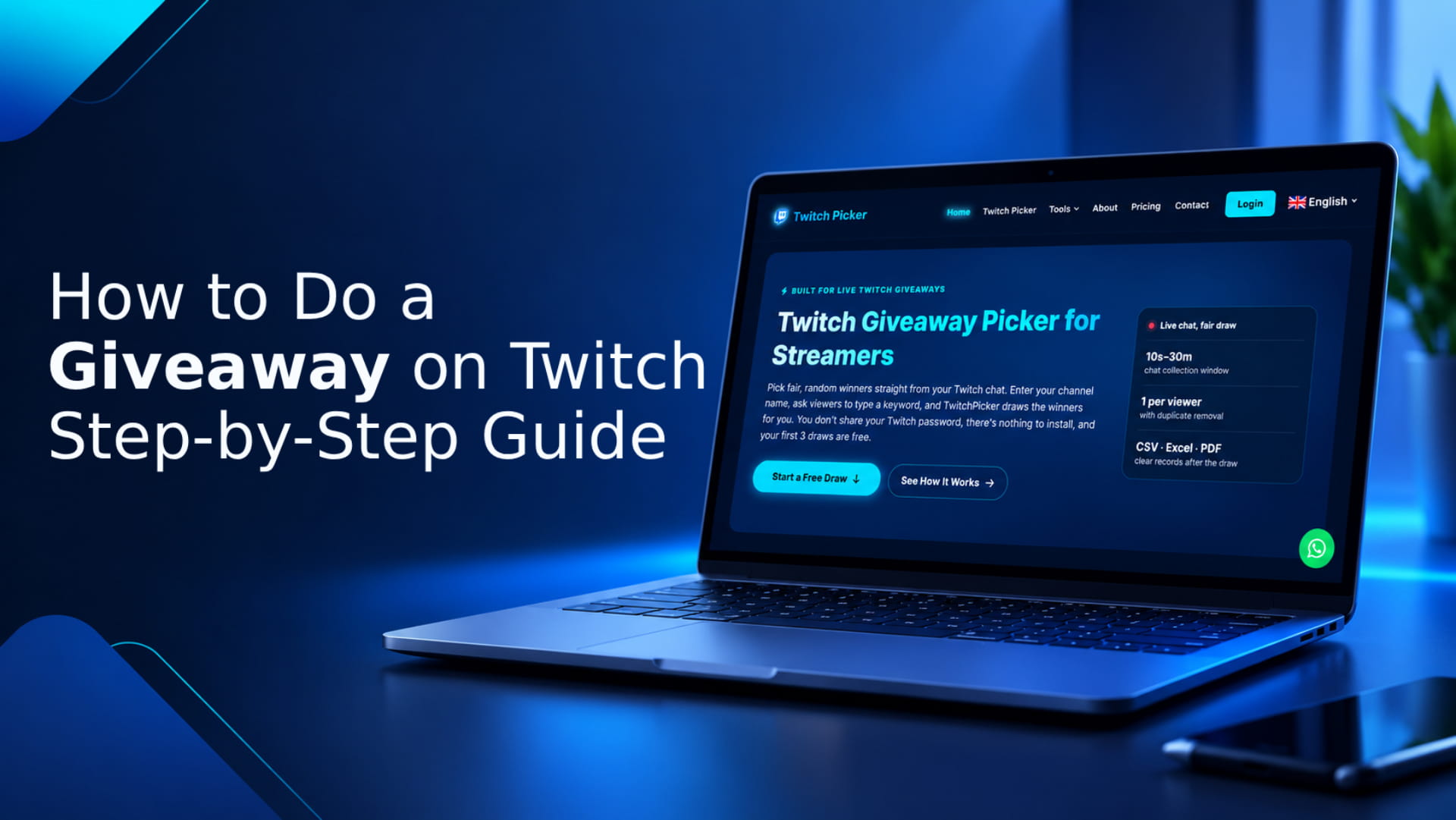
This guide walks through the whole process, step by step, the way a small or mid-size streamer would actually run it. No bot to install, no Twitch password to hand over, and no spreadsheet to build by hand. TwitchPicker is the Twitch Giveaway Picker for Streamers. Pick fair, random winners straight from your Twitch chat. Enter your channel name, ask viewers to type a keyword, and TwitchPicker draws the winners for you. You don't share your Twitch password, there's nothing to install, and your first 3 draws are free.
TwitchPicker is not affiliated with Twitch, and this post is general information, not legal advice. Giveaway rules vary by country and by prize, so check the rules that apply where you and your viewers live, and read Twitch's own Community Guidelines before you run a promotion on your channel.
What a Twitch Giveaway Actually Is
A Twitch giveaway is a promotion you run live on your stream. You offer a prize, viewers enter by doing something simple — usually typing a keyword in chat — and you pick one or more winners at random when entries close.
That simplicity is the point. Viewers should not need to leave your stream, fill in a long form, or install anything to enter. If entering takes more than a few seconds, most of your chat will not bother, and the giveaway will quietly flop even if the prize is good.
A chat-keyword giveaway also keeps everything in one place. Entries appear in the chat you are already reading, the draw happens on stream, and the winner is someone your viewers just saw enter. That visibility is what separates a giveaway people trust from one people argue about afterwards.
Before You Start: Pick a Goal and a Budget
Every good giveaway starts with a decision that has nothing to do with the prize: what do you want this giveaway to do?
Common goals for streamers are bringing lurkers into chat, rewarding regular viewers, celebrating a follower milestone, launching a new game or series, or simply making an ordinary stream more fun. Your goal decides the prize, the timing, and how long entries stay open. A giveaway meant to reward regulars can be short and spontaneous. A giveaway meant to celebrate a milestone deserves more notice and a better prize.
Set a budget before you pick anything. Decide the maximum you will spend on the prize, on shipping if it is physical, and on any fees. A digital prize — a game key, a gift card, a subscription, or a custom emote or badge — costs nothing to ship and reaches a winner in another country just as fast as one next door. A physical prize feels more special, but only if you can afford to send it and you have said upfront which countries are eligible.
Write the goal and the budget down, even if it is one line in your stream notes. It stops you from upgrading the prize mid-stream because chat is excited, and it keeps the giveaway honest: you are giving away what you promised, to the people you promised it to.
Step 1: Pick a Prize Your Viewers Actually Want
The best prize is not the most expensive one. It is the one your viewers already talk about.
Game keys, gift cards for the game you play, in-game currency, merch with your channel branding, a headset or controller, or an experience — playing a game with you, choosing your next game, or getting a custom sound or emote made — all work because they fit the stream people are already watching. A random expensive gadget that has nothing to do with your content will attract people who leave the moment the draw ends.
Match the prize to your audience size, too. If you usually have 20 viewers, a single £10 game key is a generous, believable prize. If you have 500 viewers, you can go bigger, or split the budget into several smaller prizes and draw multiple winners in one draw, so more people feel they had a real chance.
If you are stuck for ideas, the giveaway prize generator can spark options matched to your stream and budget before you commit. Shortlist two or three prizes, then pick the one you would be excited to win yourself. If you would not want it, your viewers probably would not either.
Once you have chosen, buy or secure the prize before you announce the giveaway. Never run a giveaway for a prize you do not yet own, cannot afford, or might not be able to deliver. The fastest way to lose trust as a streamer is to draw a winner and then go quiet about the prize.
Step 2: Write the Rules Before You Announce Anything
Write the rules first, publish them where viewers can read them, and then run the giveaway exactly as written. That order matters. Rules written after the draw look like excuses, even when they are not.
Your rules do not need to be long, but they do need to answer the questions viewers will actually ask:
- What is the prize, exactly, including the game, platform, region, and format?
- Who can enter — is there a minimum age, and are any countries excluded?
- How do you enter — what keyword do viewers type, and where?
- When do entries open and close, and in which timezone?
- How many winners will there be, and how will they be picked?
- How will the winner be contacted, and how long do they have to reply?
- What happens if the winner does not reply in time?
- Is entry free, with no purchase needed?
Keep entry free. Do not make buying something, subscribing, or donating a condition of entering. Paid entry can turn a giveaway into a lottery in many places, and it also tells free viewers they are second-class. You can still thank subscribers on stream, and you can run a separate perk for them — just do not tie the prize to paying.
Say clearly that Twitch does not sponsor, endorse, or run your giveaway, and that you are responsible for it. If you want a head start on the wording, use the giveaway rules generator to build a custom set of rules for your stream, then read them back once and fix anything that does not match your prize or your audience.
For a deeper walkthrough of each clause, including eligibility, claim deadlines, and the disclaimer, read the guide on how to write giveaway rules before you go live. It is much easier to fix a rule on paper than to explain a change to chat mid-draw.
Step 3: Choose One Simple Entry Keyword
The entry keyword is the word viewers type in chat to enter. Choose it like you are choosing a password for a room full of strangers: short, easy to spell, hard to type by accident, and tied to your stream.
Good keywords are one word, in plain letters, and related to the prize or the moment: !win, !key, !gift, !drop, or a word from your game or community. Avoid long phrases, words with numbers and symbols mixed in, and words people already type constantly in your chat — if the keyword is "gg" or "lol", half your chat will enter without meaning to, and your entry list will be full of people who were not trying to join.
Tell viewers the keyword out loud, put it on your overlay or in a pinned chat message, and repeat it a few times. New viewers join mid-stream and should not have to scroll back to work out how to enter.
Use TwitchPicker's filters to keep the entry list clean. You can set a keyword that entries must include, exclude words you do not want counted, require a minimum message length, and limit each viewer to one entry, so spamming the keyword does not improve anyone's odds. You can also ask viewers to tag a friend as part of their entry, which works well when you want the giveaway to reach new people — just make it part of the published rules, not a surprise added halfway through.
Decide in advance whether moderators, bots, and your own account can enter. Most streamers exclude their own account and their bots, and say so in the rules. It avoids the awkward moment when your own bot wins your own prize on stream.
Step 4: Decide How Long Entries Stay Open
How long should a Twitch giveaway last? Long enough for people to see it and enter, short enough that the energy does not drain away.
For a live chat giveaway, that usually means minutes, not hours. TwitchPicker listens to your live chat for a window you choose, from 10 seconds up to 2 minutes on the free plan, or up to 24 hours on the Creator and Growth plans. A short window of 2 to 5 minutes works well for a spontaneous drop during a game. A 10 to 15 minute window suits a bigger prize, or a stream where viewers arrive slowly. A 30-minute window or longer (up to 24 hours on the Creator and Growth plans) is best when you announced the giveaway in advance and want latecomers to have a fair chance.
Match the window to your viewer count. With 15 viewers, a long window just means dead air while you wait. With 300 viewers, a very short window means half your audience misses it because they were watching, not typing. Announce the closing time clearly — "entries close in 5 minutes" — and show a countdown on screen if you can, so nobody has to guess.
Do not extend the window because someone in chat missed it, and do not close it early because you are impatient. Both feel unfair to the people who entered on time. Pick the length before you open entries, say it out loud, and stick to it.
If you are running a giveaway across a whole stream or a whole day, rather than one live draw, say so in the rules and use a separate entry method with a clear end time and timezone. A live chat draw and a day-long entry form are different giveaways, and mixing them in one announcement confuses everyone.
Step 5: Announce the Giveaway on Stream
A giveaway nobody hears about is just a prize sitting in your inventory. Announce it properly.
Start with the prize, not the process. "I'm giving away a Steam key for the game we're playing tonight" lands faster than "I'm doing a giveaway, here are the rules." Then give the three things viewers need in one breath: what they win, what to type, and when entries close. Repeat that sentence twice — once when you open entries, and once halfway through — because viewers join at different times.
Put the keyword and the closing time on screen. An overlay, a stream title update, or a pinned message all work. The goal is that a viewer who joins with the sound off can still work out how to enter in a few seconds.
Talk while entries are coming in. Read out a few usernames as they enter, answer questions about the prize, and keep playing. Silence while you stare at an entry counter is the fastest way to lose the room. If chat is quiet, ask a question related to the prize — what game should the winner pick, or what would they do with the gift card — and let the giveaway become part of the stream, not a pause in it.
Do not promise extra prizes you have not planned, and do not change the rules because chat asks nicely. A firm, friendly "entries close in two minutes, one entry per person" is better than a giveaway that grows messier with every request.
Step 6: Draw the Winner Live With TwitchPicker
This is the step viewers remember, so do it where they can see it. Draw the winner live, on stream, from the entries you just collected. A draw done off camera, announced later, invites doubt even when it was completely fair.
Here is the draw itself, start to finish:
- Open TwitchPicker and enter your channel name. There is nothing to install and you do not share your Twitch password.
- Set your entry keyword, the listen time you announced, and any filters you published in the rules — one entry per viewer, exclude words, minimum message length, and tag-a-friend if you are using it.
- Start listening while viewers type the keyword in chat. You can watch the entries come in and check the engagement stats as the window runs.
- When the window closes, draw the winner. TwitchPicker uses a cryptographically secure random draw, so every valid entry has the same chance, and no one — not you, not a mod, not the loudest person in chat — can nudge the result.
- Read the winner's name out loud, show the result on stream, and congratulate them in chat. If you promised multiple winners, draw them all in the same draw, one after another, while everyone is still watching.
- Save the proof. Download the winner certificate and export the entry list as a CSV, Excel, or PDF file, so you have a record of who entered, who won, and when the draw happened.
[Screenshot placeholder: TwitchPicker draw screen showing the channel name, keyword, entry count, and the winning username.]
That record matters more than most streamers expect. If anyone questions the result later, you can show the certificate and the export instead of arguing from memory. It also helps you run the next giveaway better: the engagement stats show how many people entered, when they entered, and whether a longer window or a different keyword would have worked better.
If you want the mechanics in more detail, the guide on how to pick a random winner from Twitch chat explains why picking by hand is unfair, how duplicate entries are removed, and how the secure draw works in plain language.
Step 7: Contact the Winner and Deliver the Prize
Draw the winner, then contact them quickly — ideally during the same stream, in chat, and then by a private message.
Say the winner's name on stream, ask them to reply in chat so you know they are still there, and then message them privately to arrange delivery. Never post a game key, a gift-card code, or a download link in public chat. Anyone watching can copy it faster than the winner can, and the prize will be gone before the winner even sees it. Send codes and keys by direct message only, and only to the username you drew.
Give the winner a clear claim deadline in your rules — 24 hours is common for a live draw, 48 to 72 hours for a bigger prize — and say what happens if they do not reply. Then stick to it. If the winner does not claim the prize in time, draw again from the original entry list on your next stream, and say so publicly. Do not quietly give the prize to a friend, a mod, or the runner-up you liked best.
Deliver the prize the way you promised, and confirm it arrived. A short message — "key sent, let me know when it works" — closes the loop and gives you a record if anything goes wrong. For a physical prize, keep the tracking number and share it with the winner. For a digital prize, keep the receipt or purchase record.
Thank everyone who entered, even though only one person won. A quick "thanks for playing, next giveaway is on Friday" turns a loss into a reason to come back, instead of a reason to leave.
Step 8: Keep a Record and Prove It Was Fair
Fairness does not end when the winner is drawn. It ends when you can show your work.
Keep three things after every giveaway: the rules you published, the exported entry list, and the winner certificate. Store them together — a folder per giveaway is enough — with the date, the prize, and the winner's username. That folder is your answer if a viewer asks how the winner was picked, if a sponsor asks for proof, or if you want to check what worked before your next giveaway.
Share the proof, do not just keep it. A short post in your Discord, a pinned message, or a line in your next stream — "last Friday's winner was Alex, drawn live from 84 entries" — tells your community the giveaway was real and the winner was real. Viewers who see proof enter the next one with more confidence, and confidence is what grows a giveaway over time.
Review the numbers before your next giveaway, too. How many people entered? Did entries spike when you announced the prize, or when you repeated the keyword? Was the window too short for your audience, or too long? The engagement stats from the draw give you those answers without guessing, and a small change — a clearer keyword, a better prize, a shorter window — often doubles entries next time.
Mistakes to Avoid When You Run a Twitch Giveaway
Most giveaway problems are avoidable, and most of them come from the same few mistakes.
The first is changing the rules mid-giveaway. Do not add a new entry requirement, extend the deadline for one person, or swap the prize because chat prefers something else. If the rules were wrong, fix them for the next giveaway, not this one.
The second is picking the winner by hand — scrolling through chat, pointing at a name, or letting a mod choose. It feels personal, but it looks rigged, and it is impossible to prove it was not. A random draw from a clean entry list, done live, removes that argument entirely.
The third is running a giveaway you cannot deliver. A prize you do not own, a physical prize you cannot ship to the winner's country, or a key that turns out to be region-locked will undo all the goodwill the giveaway created. Check the prize, the region, and the delivery method before you announce it.
The fourth is ignoring the quiet part of your audience. If entry requires a fast chat message, a long keyword, or a tool viewers must install, slower typists and mobile viewers are at a disadvantage. One simple keyword, one entry per viewer, and a window long enough to type in keeps the giveaway open to the whole chat.
The fifth is going silent after the draw. If the winner is not announced, the prize is not delivered, or the next stream never mentions it, viewers assume the giveaway was a trick. Announce the winner, deliver the prize, and say thank you. That last minute is what makes the next giveaway work.
How Often Should You Run Giveaways?
There is no single right frequency, but there is a wrong one: so often that the prize becomes the only reason people watch.
For most small streamers, one giveaway a week — or one per milestone — works well. It gives you time to pick a good prize, write proper rules, and promote it, and it gives viewers something to look forward to without training them to only show up when something is free.
Vary the prizes and the format. A game key one week, a merch item the next, a "play with the streamer" session after that. A short 5-minute drop works for a small prize; a longer, announced giveaway suits a milestone. Keep a simple note of what you ran, when, and how many people entered, so you can see which prizes and which timings your audience actually responds to.
If entries fall, do not just raise the prize value. Check the basics first: was the keyword clear, was the window long enough, did you announce it more than once, and was the prize something your viewers wanted? A £10 prize that fits your stream will usually beat a £50 prize that does not.
Final Word
Doing a giveaway on Twitch is not complicated, but it is a promise — and promises work best when they are written down, kept simple, and carried out where everyone can see them.
Pick a prize your viewers want, write the rules before you start, choose one easy keyword, give entries a clear window, draw the winner live with a fair random draw, contact them quickly, and keep the record. Do that, and a giveaway becomes more than a prize: it becomes a reason for viewers to trust your stream, talk in your chat, and come back next time.
Your first draw is free, so start small. Run one short giveaway on your next stream, learn what your chat responds to, and build from there. The streamers whose giveaways people love are rarely the ones with the biggest prizes — they are the ones whose viewers believe the draw was fair, because they watched it happen.
Frequently Asked Questions
Pick a prize you already own, write short rules covering the prize, who can enter, the keyword, and the closing time, then announce it on stream. Ask viewers to type one keyword in chat, listen for entries with a Twitch chat picker, and draw the winner live. Keep entry free, deliver the prize by private message, and save the winner certificate and entry export as your record.
No. You do not need a bot, an extension, or any installation to run a keyword giveaway. With TwitchPicker, you enter your channel name, set a keyword and a listen time (up to 2 minutes free, or up to 24 hours on the Creator and Growth plans), and draw the winner from the chat entries it collects. You never share your Twitch password, and viewers just type the keyword in chat.
For a live chat draw, 2 to 15 minutes usually works best — 2 to 5 minutes for a spontaneous drop, 10 to 15 minutes for a bigger prize or a slower chat. TwitchPicker lets you set a listen time of up to 2 minutes on the free plan, or up to 24 hours on the Creator and Growth plans. Announce the closing time, show a countdown if you can, and do not extend or shorten the window once entries have opened.
Twitch allows streamers to run giveaways, but you are responsible for running yours fairly and legally. Keep entry free with no purchase needed, publish clear rules with eligibility, prize, and claim deadlines, and state that Twitch does not sponsor your giveaway. This post is general information, not legal advice, and giveaway laws vary by country, so check the rules that apply to you and your viewers.
Use a random draw from a clean entry list, done live on stream. Limit each viewer to one entry, remove duplicates, apply the filters you published in the rules, and draw with a cryptographically secure random picker so every valid entry has the same chance. Then share the result, save the winner certificate, and export the entry list so you can prove how the winner was chosen.